

Docs / Draw, present and media
Media and files
Gather your pictures and videos in a gallery, add files from your computer to see them inside Worlds, keep video stream links, and attach files to your pages.
The gallery
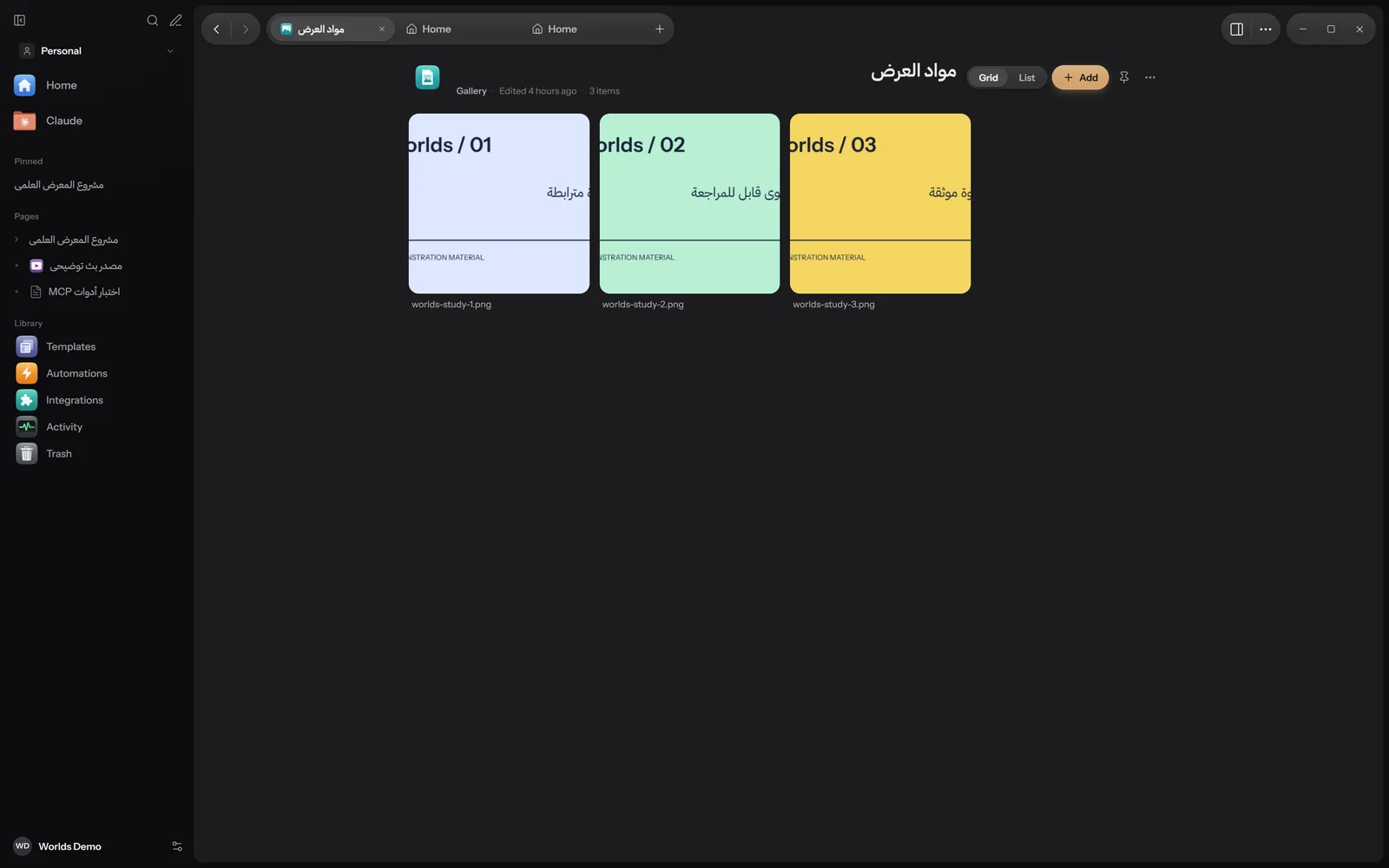
A gallery is one place for pictures, videos and audio. Create one with New, then Gallery, or the New Gallery command.
- Add at the top, or Add media in an empty gallery, or drag files from Explorer and drop them in.
- Grid or List for the view.
- Click an item to see it large, and drag items to reorder them.
- Each item's menu: View, Use as Gallery Icon, Move to Start, Move to End, Remove from Gallery.
- Pictures
- png, jpg, jpeg, gif, webp, avif, bmp, svg, heic
- Video
- mp4, webm, mov, m4v, mkv
- Audio
- mp3, wav, m4a, ogg, flac
Any other type is refused with the message "Only pictures, videos and audio go into a gallery."
Files and their preview
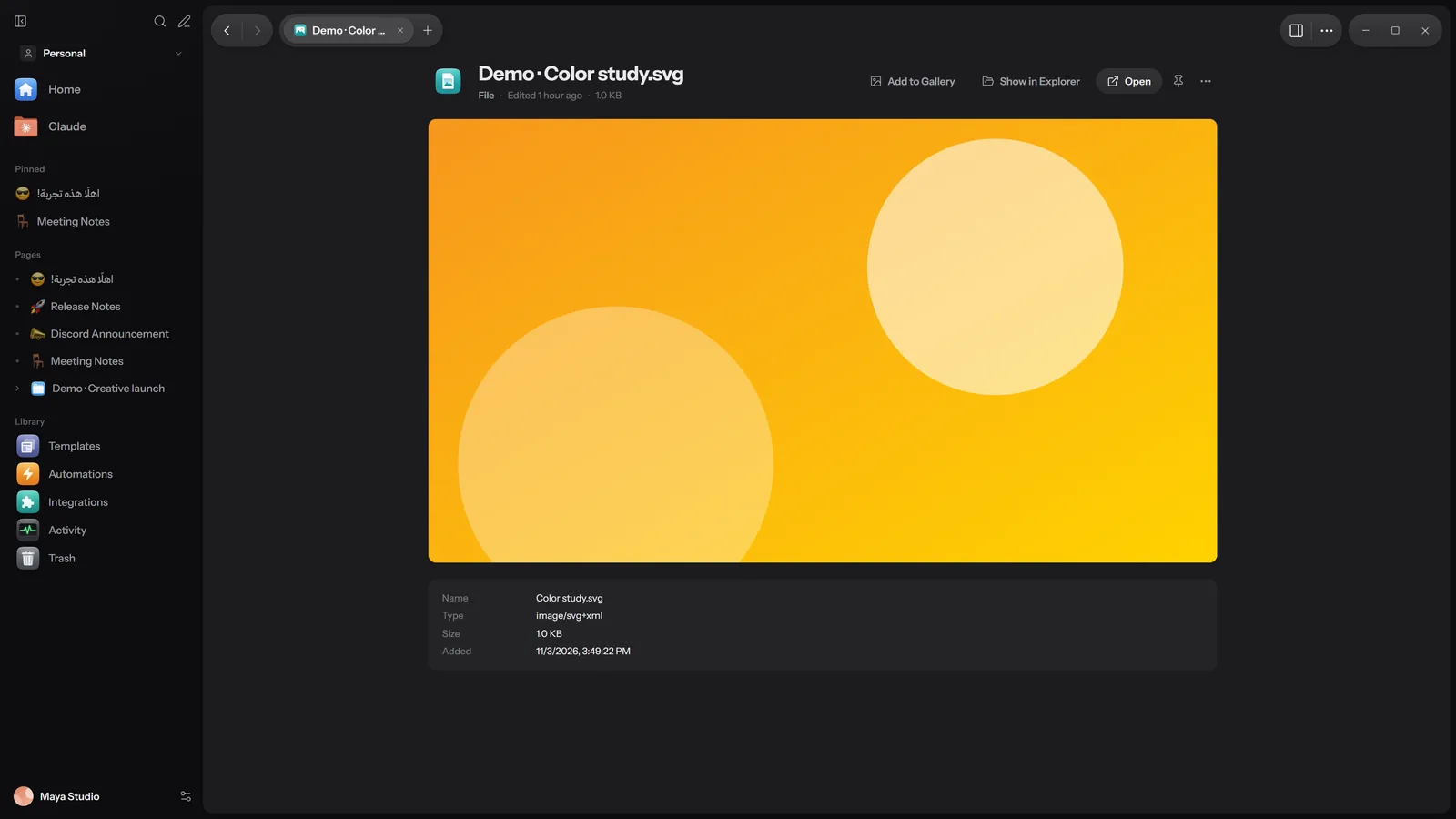
From New, choose Upload Files (or the same command in the command palette). Each file you pick becomes its own File item in your workspace. When you open it you see the preview, below it Name, Type, Size and Added, and at the top:
- Add to Gallery: for pictures and videos, into an existing gallery or a New Gallery.
- Show in Explorer: opens the file's location on your computer.
- Open: opens it in its own Windows app.
What shows inside Worlds
| Kind | Extensions | Notes |
|---|---|---|
| Pictures | Common formats | Open large. |
| Video and audio | Video such as mp4 and webm; audio mp3, wav, m4a, ogg, flac and aac | Play inside the page. |
| A full PDF viewer. | ||
| Word | docx, docm | Old .doc files are not shown. |
| Spreadsheets | xlsx, xls, xlsm, xlsb, ods, csv, tsv | The first 2000 rows and 60 columns. |
| Presentations | pptx, ppt, pps, ppsx, pptm, odp | Needs PowerPoint installed on the computer. Has a Present button. |
| Text and code | txt, md, json, yaml, xml, html, css, js, ts, py and more | The first 400 KB of the file. |
For other types you see: "Worlds cannot show this kind of file. Open it with its own app."
Stream links
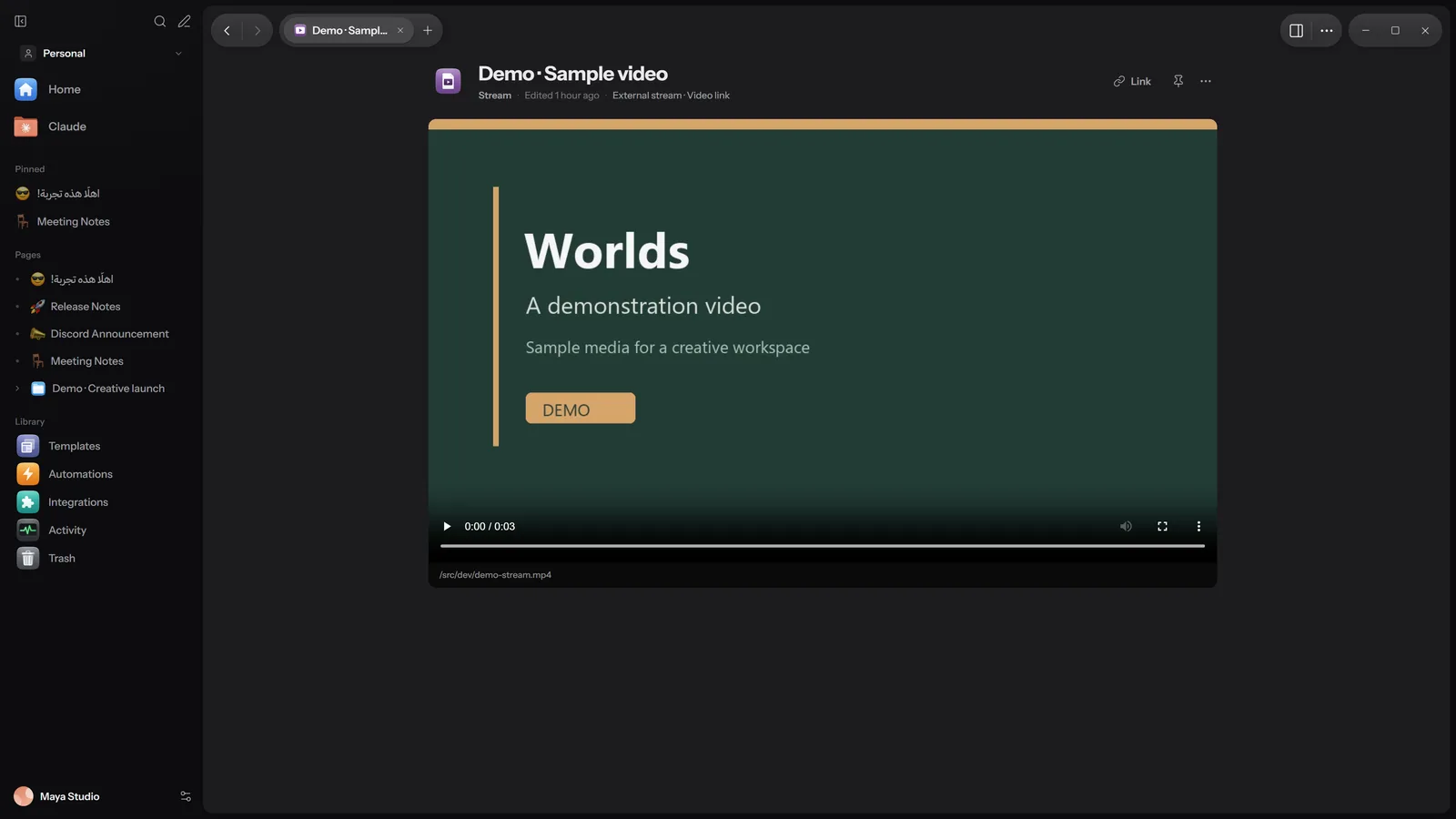
A stream link keeps the address of an outside video and plays it inside Worlds without downloading it. The video stays where it is.
Add the link
From New, choose Add Stream Link. In the Add a stream window, paste a Link starting with http or https, and type a Name if you like (Optional).
Watch
Worlds recognises the kind of link from its ending:
.m3u8or.m3u: an HLS stream, played inside Worlds..mpd: a DASH stream; the link is kept, but Worlds cannot play it yet.- Any other link: a direct video link.
Edit or open
Link to change the address, then Save, and Open the link to open it in your browser.
Attachments inside pages
To add a file to a page:
- From the "/" menu: Image, Video, File or Image Gallery.
- Or paste the file into the page, or drag it from Explorer and drop it there.
- Or from the command palette: Insert Image and Insert File.
- Largest size
- 1 GB per file
- Where it is kept
- Inside the data folder, in
attachments, split by year and month
An attachment is a copy inside Worlds: if you delete the original file from your computer, the attachment stays. Attached file names are included in search, but their contents are not. Where the data folder is: see Getting started.
What works where
| Feature | Windows | Apple | Android |
|---|---|---|---|
| Gallery | Yes | Partly | Partly: pictures, video and audio |
| File preview | Yes | Partly: PDF, DOCX, XLSX, audio and 3D models | Partly: import up to 512 MB with preview |
| Stream links | HLS and direct video links | HLS and MP4 | HLS, DASH and direct video links |
The Apple and Android apps are still in progress. Details in Install.