
Docs / Claude and automations
Integrations
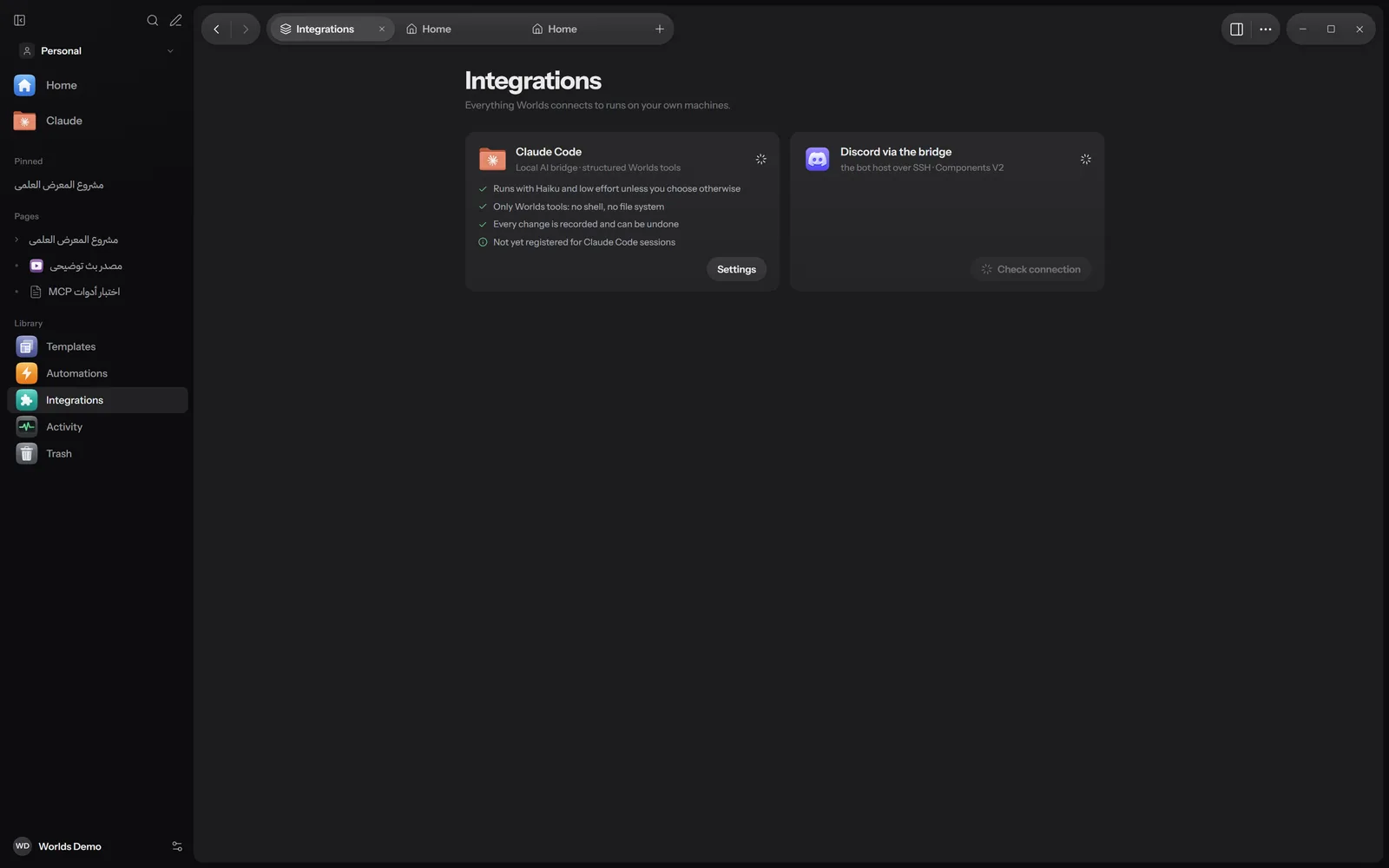
The Integrations view lists the services Worlds connects to and their status. Its subtitle: "Everything Worlds connects to runs on your own machines." Today it has exactly two cards: Claude Code and Discord.
Opening it
Open Integrations from the Library part of the sidebar, from the command palette, or from Settings, Integrations. The view is in the Windows app.
Claude Code
Subtitle: "Local AI bridge · structured Worlds tools". The status is Ready when Worlds finds Claude Code on the PC, or Unavailable. If it is missing: "Claude Code was not found on this PC. Install it, then reopen Worlds."
The card says what really happens when Claude runs inside Worlds:
- "Runs with Haiku and low effort unless you choose otherwise": the default, Spark with Glance.
- "Only Worlds tools: no shell, no file system".
- "Every change is recorded and can be undone".
- "Also available in your Claude Code sessions" or "Not yet registered for Claude Code sessions": whether you added the Worlds tools to the Claude Code you use outside the app.
The Settings button opens Settings, Claude. There, click Register next to "Use Worlds from Claude Code sessions" to register the MCP server. See MCP server and Claude and other AI providers.
Discord
The "Discord via" card, with the bridge's name, shows the connection to your own Discord bot through the bridge:
- Connected: the bridge works and you can send.
- Disconnected: the module is not installed next to the bot. A panel, "Install the Worlds bridge module", explains what you need.
- Other states: the machine is unreachable, the key was refused, or the bridge is not set up.
Check connection runs the check again. The card also reminds you that the bot token stays on the bot's machine and Worlds holds only a shared key, in memory. Set it up in Settings, Discord. See Discord bridge.
What is not on this screen
- There are no other integrations today, such as GitHub, Slack or Google.
- Codex, API keys and local models are in Settings, Providers, not here. See Ways to connect the assistant.
- Any program that speaks MCP can use the Worlds tools on your computer. See MCP server.